

.png)
Most operations dashboards in manufacturing are not dashboards. They are reports dressed up to look like dashboards.
They show you what happened yesterday, sometimes the day before. They are generated by someone, exported from somewhere, formatted in a spreadsheet, and shared in a Monday morning email. By the time the VP of Operations reads the numbers, the production floor has already moved on.
Manufacturers lose $800,000 to $2.3 million annually to data silos at the mid-market level. That figure comes not from a single missed decision but from the steady accumulation of delayed responses, missed reorder points, undetected bottlenecks, and customer issues that escalate because no one had a live view of the situation.
The data exists. It is just trapped in four or five systems that were never designed to talk to each other, with no unified view across any of them.
Before building a dashboard, it helps to name exactly where the data is sitting:
72% of manufacturers report that even "functional" reporting requires manually pulling data from multiple sources and consolidating it. That means the person responsible for your operational picture is spending hours each week not making decisions, but assembling the information needed to make decisions.
Here is what a Monday morning ops review looks like at a mid-market manufacturer without a real-time dashboard: log into the ERP, run two reports, export to spreadsheet. Open the WMS, check fulfillment status on flagged orders, note manually. Ping two people on Slack to find out the status of the high-priority shipment from Friday. Review the email inbox for anything from the 3PL. Then sit down for the 9am call.
That is not a dashboard problem. That is a data architecture problem that a dashboard solves.
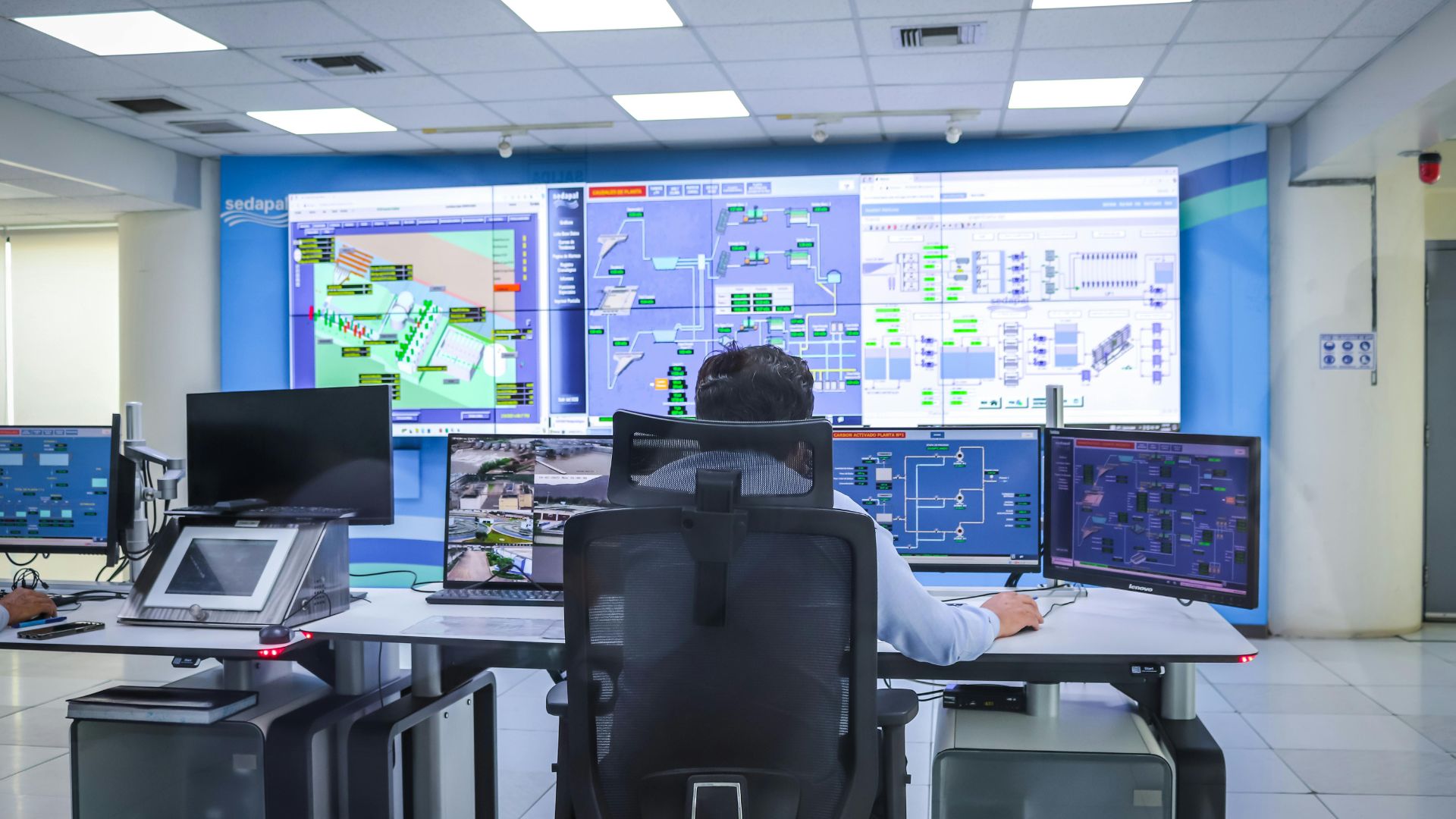
An operations dashboard built in Retool is not a BI tool. It is not a reporting layer. It is an action interface: every number on the screen corresponds to something a person needs to do, or a confirmation that no action is needed right now.
Here is what it actually shows for a mid-market manufacturer:
Every open order, sorted by status: new, in production, ready to ship, delayed, on hold. Color coded. Updated live from the ERP and order management system.
A VP Ops glancing at this panel knows within 10 seconds whether there are any delayed orders that need intervention today. No report generation. No spreadsheet. No email to check.
Every SKU currently below its reorder threshold, with:
This panel replaces the daily inventory check. It surfaces only what requires action. Green means adequate. Red means act now.
Jobs completed versus jobs scheduled for the current week, broken out by production line or work center. If a line is running behind, it appears here before it becomes a shipping problem.
This is the panel that moves the conversation from reactive ("why is this order late?") to proactive ("this line is falling behind, let's address it before it affects shipments this week").
Orders currently awaiting pick and pack, orders with carrier assignments pending, and orders with unresolved exceptions (address issues, weight discrepancies, hold flags). Sorted by expected ship date.
The fulfillment team sees their queue in priority order. The ops manager sees whether the queue is moving or stalling without having to ask.
Everything that needs a human decision: damaged goods flagged by the warehouse, failed quality holds, credit flags on new orders, shipments delayed past their SLA, orders modified after fulfillment started.
The exception log is where the dashboard earns its ROI. Without it, exceptions live in email threads, Slack messages, and verbal handoffs. Some get resolved. Some fall through. With a centralized exception log, every flag is visible, assigned, and tracked until it closes.
All five panels connect to live data via API:
Retool connects natively to most modern ERPs, databases, and REST APIs. Most manufacturers see meaningful visibility improvements within 30 days of connecting their first data source to a working dashboard.
The most common mistake when scoping an ops dashboard is trying to connect everything at once. ERP, WMS, Shopify, and spreadsheet integrations simultaneously creates a project that drags on for months and often never reaches production.
Start with one data source and one panel. The ERP's open order data is the most universally useful starting point. Get that panel working, trusted, and actually used by the team before adding the next source.
A dashboard that one person uses every day is worth more than a five-panel dashboard that nobody opened after week two.
Once the open order panel is live and the team has built the habit of checking it, add the inventory shortfall panel. Then production throughput. The exception log typically comes last because it requires the most judgment about what qualifies as an exception.
A Retool operations dashboard replaces the daily data assembly process. It does not replace the judgment of the person reading it.
The operations data becomes visible. What to do about it is still a human decision. The value is that decisions get made on current information rather than yesterday's numbers, and that exceptions get caught before they escalate rather than after a customer calls.
Write down the three questions your ops team answers manually every morning. Not the most complex questions, the ones that require logging into a system, pulling a report, or asking someone else. Those three questions are your first three dashboard panels.
If you can name the question, you can usually trace it to a data source. If you can trace it to a data source, you can build a panel.

.png)
